Screenshot in Python ..
Taking screenshot in Python is very easy ..
Let's take a look at the code ..
import numpy as np     # pip install numpy
import cv2             # pip install opencv-python
import pyautogui       # pip install pyautogui
import datetime        # pre-installed module


image = pyautogui.screenshot()   # pyautogui takes screenshot ..

image = cv2.cvtColor(np.array(image),
               cv2.COLOR_RGB2BGR)        # image is converted to BGR

time_stamp = datetime.datetime.now().strftime('%Y-%m-%d %H-%M-%S')    # time stamp
file_name= f'{time_stamp}.png'    # naming it as png file
cv2.imwrite(file_name, image)     # saving the image
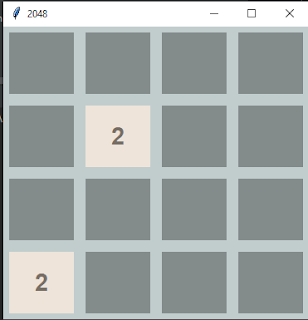
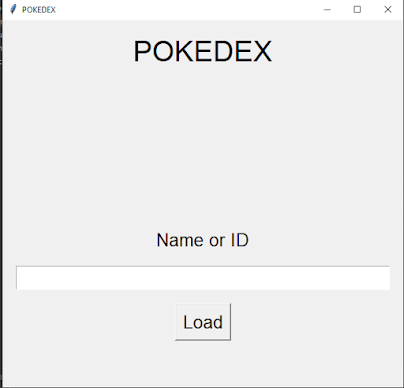
And if we run the code ...


Comments
Post a Comment